
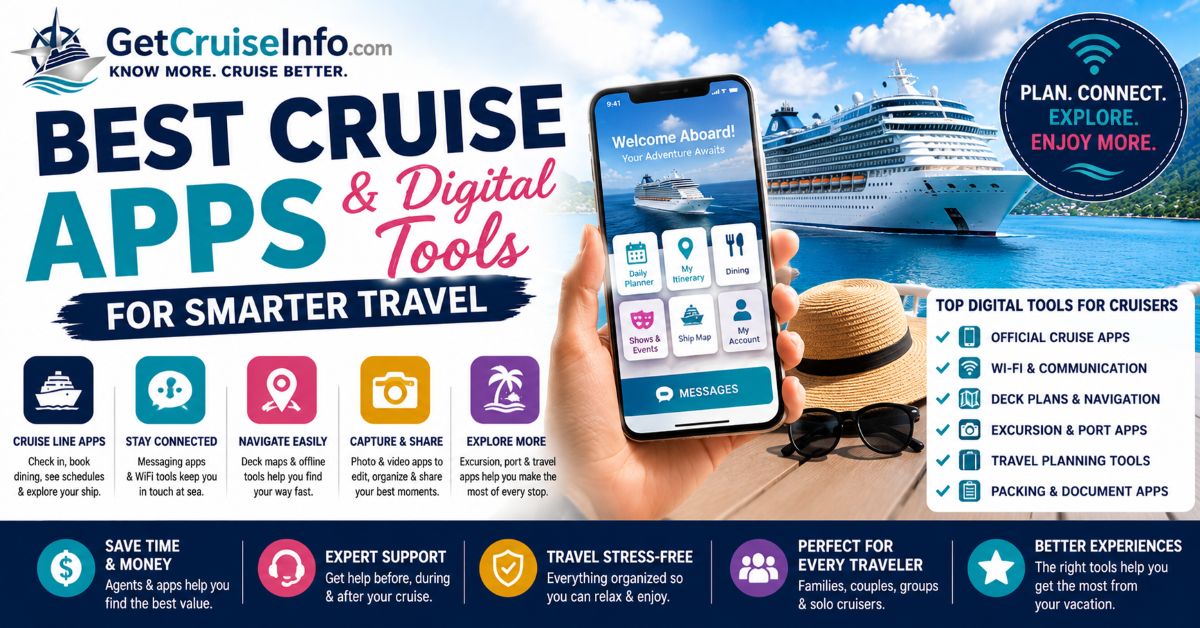
The Right Cruise Apps Can Dramatically Improve Your Entire Vacation Experience
Learn which cruise apps help travelers navigate ships, manage reservations, communicate onboard, organize excursions, handle WiFi, and simplify cruise planning before and during sailing.
Modern Cruise Travel Is Increasingly Built Around Apps & Digital Systems
Most major cruise lines now rely heavily on:
- mobile check-in systems
- digital boarding passes
- reservation management
- messaging platforms
- digital ship schedules
- onboard account tracking
The right cruise apps help travelers:
- avoid long lines
- stay organized
- navigate ships more easily
- manage excursions
- communicate onboard
- reduce travel stress
Helpful resources:
- Cruise Embarkation Guide
- Travel Day Tips for Cruisers
- Cruise FAQ Hub
- Cruise Planning Guide
Official Cruise Line Apps Are Usually the Most Important Apps Travelers Need
Most cruise lines now offer apps that allow travelers to:
- check in before sailing
- access boarding passes
- reserve dining
- book entertainment
- track onboard spending
- view daily schedules
Popular cruise apps include:
- Carnival HUB
- Royal Caribbean App
- MSC for Me
- Princess MedallionClass
- Disney Cruise Line Navigator
Using Cruise Apps Before Sailing Usually Makes Embarkation Much Easier
Many travelers underestimate:
- how much faster embarkation becomes when digital check-in is completed early.
Completing app setup before sailing often allows travelers to:
- upload documents early
- select arrival times
- store boarding passes digitally
- avoid terminal delays
Helpful resources:
- Embarkation Day Mistakes
- Cruise Travel Documents Guide
- Cruise Packing Mistakes
Deck Plans & Navigation Tools Become Extremely Helpful on Mega-Ships
Ships like:
- Icon of the Seas
- Wonder of the Seas
- MSC World America
can feel:
- overwhelming
- confusing
- difficult to navigate
especially for:
- first-time cruisers.
Many experienced cruisers:
- screenshot deck plans
- download ship maps
- study cabin locations before boarding
Helpful resources:
WiFi & Messaging Apps Have Become Central to Modern Cruising
Many travelers now expect:
- constant communication
- social media access
- video sharing
- messaging connectivity
Popular onboard communication apps include:
- iMessage
- Facebook Messenger
- cruise line chat systems
However, performance varies heavily depending on:
- ship WiFi quality.
Helpful resources:
Photo & Social Apps Are Now Major Parts of the Cruise Experience
Cruisers increasingly use apps such as:
- Lightroom Mobile
- CapCut
- Canva
- Snapseed
to:
- edit photos
- create travel videos
- post cruise content
- organize travel memories
Helpful resource: Cruise Photography & Social Media Guide
Port-Day Apps Can Dramatically Reduce Excursion Stress
Many travelers rely heavily on:
- offline Google Maps
- rideshare apps
- translation apps
- currency converters
- transportation apps
especially during:
- European
- Mediterranean
- independent port explorations.
Helpful resources:
The Most Useful Cruise Apps Usually Focus on Simplicity & Organization
| App Type | Why It Helps |
|---|---|
| Cruise line apps | Reservations & schedules |
| Messaging apps | Onboard communication |
| Offline maps | Port navigation |
| Flight trackers | Travel-day awareness |
| Currency converters | International budgeting |
| Photo editing apps | Travel content creation |
Many Cruise Travelers Make Digital Planning Mistakes Before Sailing
Common mistakes include:
- forgetting passwords
- not downloading apps early
- assuming free WiFi exists
- ignoring offline maps
- failing to update apps before departure
Many travelers also underestimate:
- how difficult app downloads can become once onboard.
The Best Cruise Technology Usually Works Quietly in the Background
The most useful cruise apps are usually the ones that:
- reduce stress
- improve organization
- save time
- simplify communication
- make port days easier
The goal is rarely:
- using more technology.
Instead, smart cruise technology simply allows travelers to:
- enjoy the vacation with fewer logistical frustrations.
Frequently Asked Questions
Which cruise apps should travelers download?
Travelers should download their cruise line’s official app plus offline maps and messaging apps.
Do cruise ships offer free WiFi?
Most cruise ships charge for full WiFi access, though some apps allow limited onboard messaging.
Are cruise apps necessary?
They are not required, but they significantly improve organization and convenience.
Can travelers use WhatsApp on cruise ships?
Yes, if the ship’s WiFi supports messaging services.
Should travelers download apps before boarding?
Yes. Downloading apps before boarding is strongly recommended.
Some links may be affiliate links.
Request Cruise Options
Get Cruise Info & Personalized Cruise Matches.Tell us when you want to travel, where you'd like to go, and what matters most to you. We'll help identify cruise options that fit your dates, budget, travel style, and cabin preferences. Not sure which cruise line, ship, or itinerary you want? That's completely fine — many travelers start with nothing more than available vacation dates, a departure port, or a general idea of where they'd like to go.
Only know your available dates? That's enough to get started. You can also review our Find a Cruise by Date Guide to see how we narrow cruise options around a fixed vacation window.